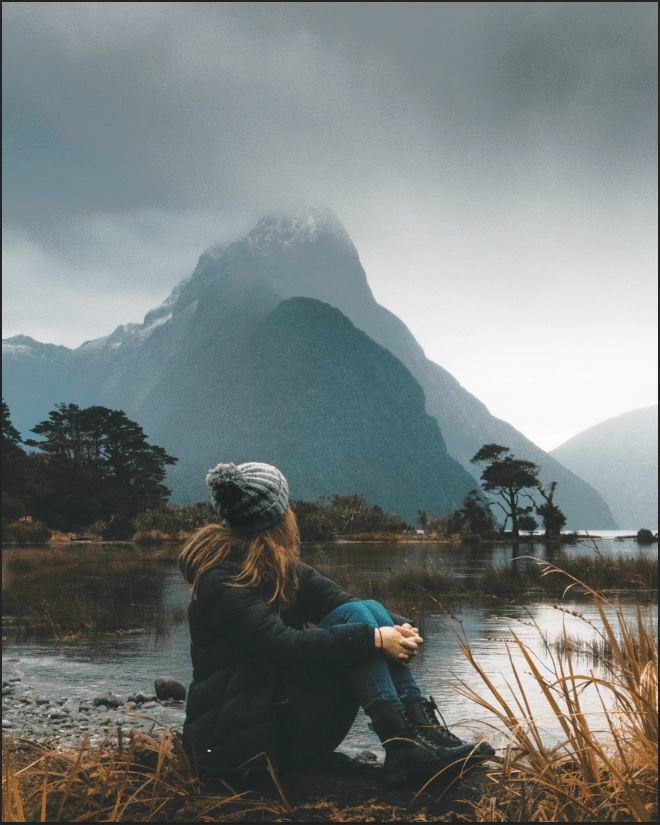
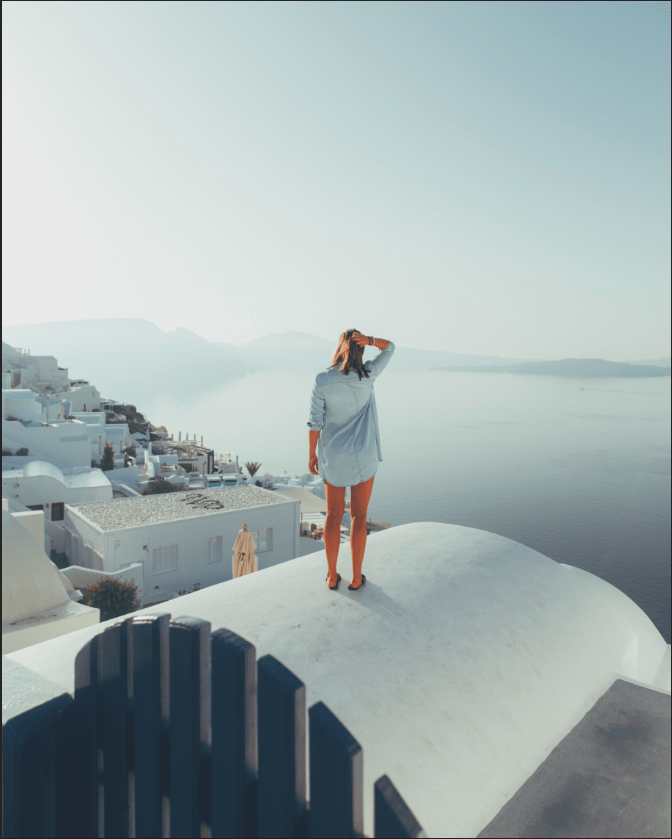
The easiest process of turning a Dark picture into a brighter one, and a Bright picture into not-too-bright picture. I just go to the icon one with a half circle and choose “Layers”. When I double-click on the layer, the Layer Style will appear on the Blending Options section to adjust the brightness and the shadows. Choosing the exact doesn’t matter, the way how you see the image is your option. The Darker image will be brighter showing the necessary details, while the bright image will have some shadows. This is just a demonstration of the difference between the two images of they will look when you use the Layers Style and adjust it. This is very useful because people will like it more if the image has the necessary details.

