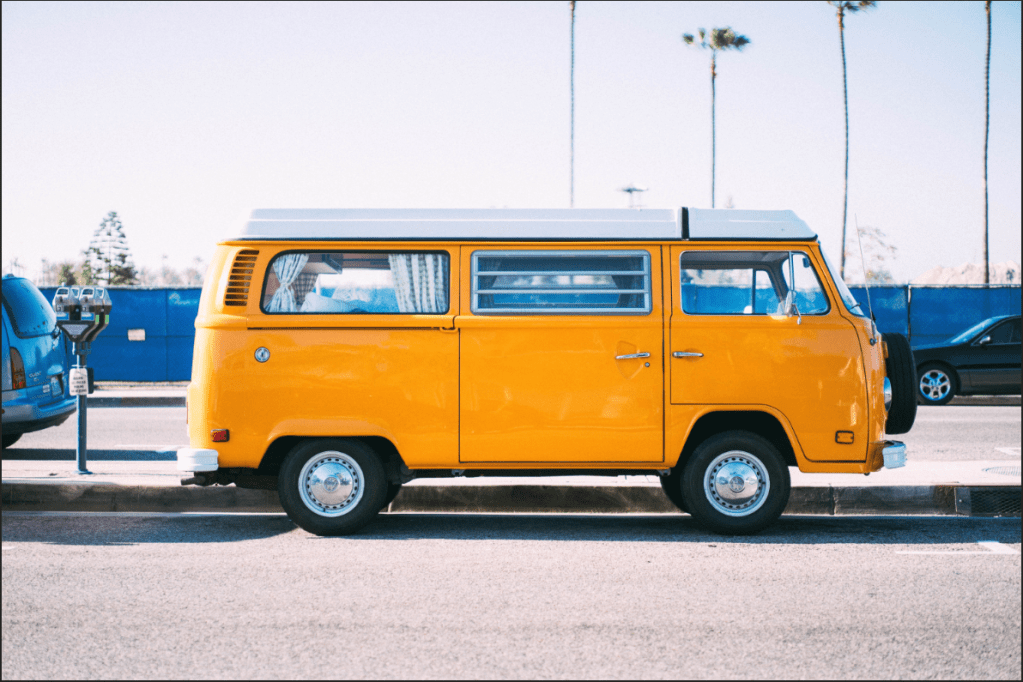
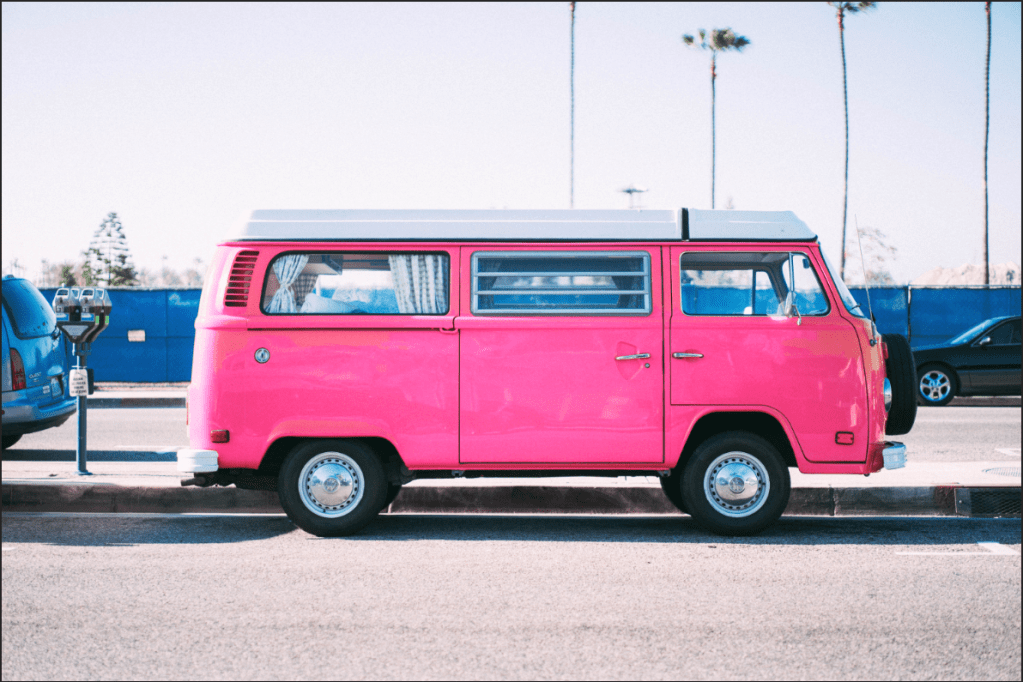
Another fundamental technique, but I got a little confused with working on the Eyedropper tool while I was following the instructor because knowing about how it’s used turned out to be a little different than I anticipated. I clicked on the background instead of the van to make things work. The Eyedropper is used for what hue (color) is affecting your object of the image. The bar between the colored lines (at the bottom eyedroppers) will be moved if you clicked with the Eyedropper. If you find the right color, move the “Hue” to change to what color you want on your van. The Bar may also be moved as well, but it’ll affect the colors of different objects too, so be careful while moving. The “Saturation” and the “Lightness” can be adjusted if you’d wish. If some aspects’ color of the background image changed, simple and easy – just use the paint brush tool and make them invisible.
 Alice's Blog