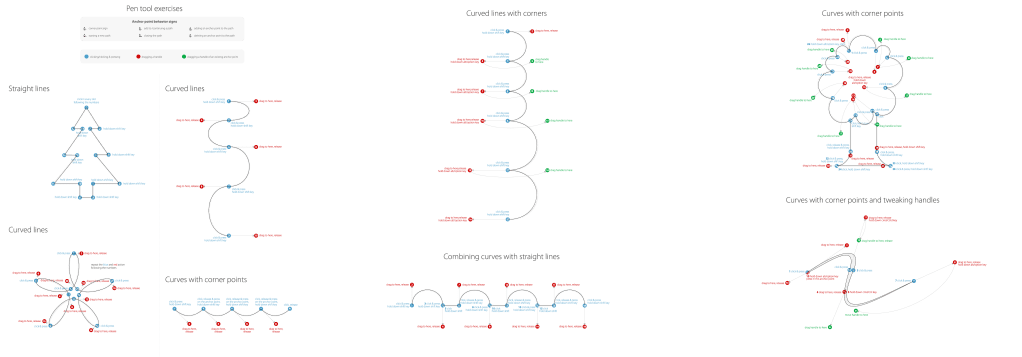
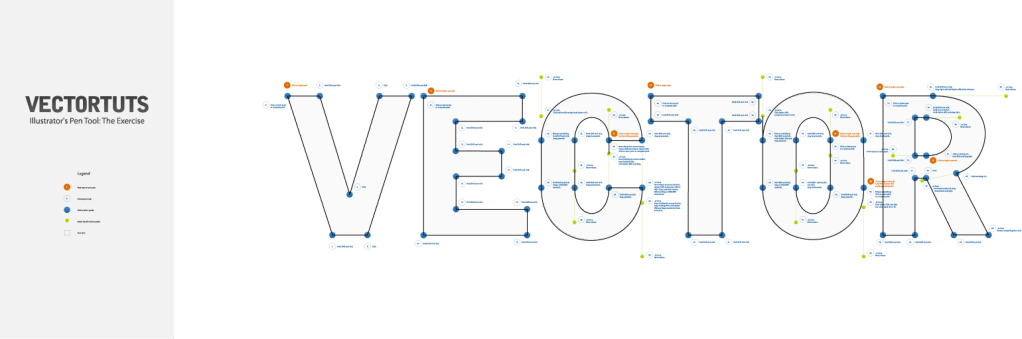
On the Pen Tool Exercises, everything was pretty much easy for me, doing the project and watching the video for instructions at the same time. All I had to do was to practice tracing the gray lines using the pen tool, beginning from starting point and finishing at the ending point. But before that, I needed to make sure the color fill on illustrator is not solid, because if it was, and I traced from one to the other, I notice that the color, no matter what it is, blocks the directions and the other lines. With that, it hard to see the other directions and the lines. So after doing that, I could trace the lines, whatever color it is, in the correct order. While tracing the lines in the correct order, there some words or sentences, for example, “hold the shift key”, on the some of the points. Which means I have to hold or press the shift key, in order for the line to be at the right angle on the tracing line. I also had to press/hold the other keys as well, depending on what section I’m on, tracing the lines. Whether it’s curved, straight, or can be any direction. If the line doesn’t end from all the way back at the beginning, I press the “Esc” key to get out of it. Whenever I got stuck, I asked my friend for some help.
 Alice's Blog