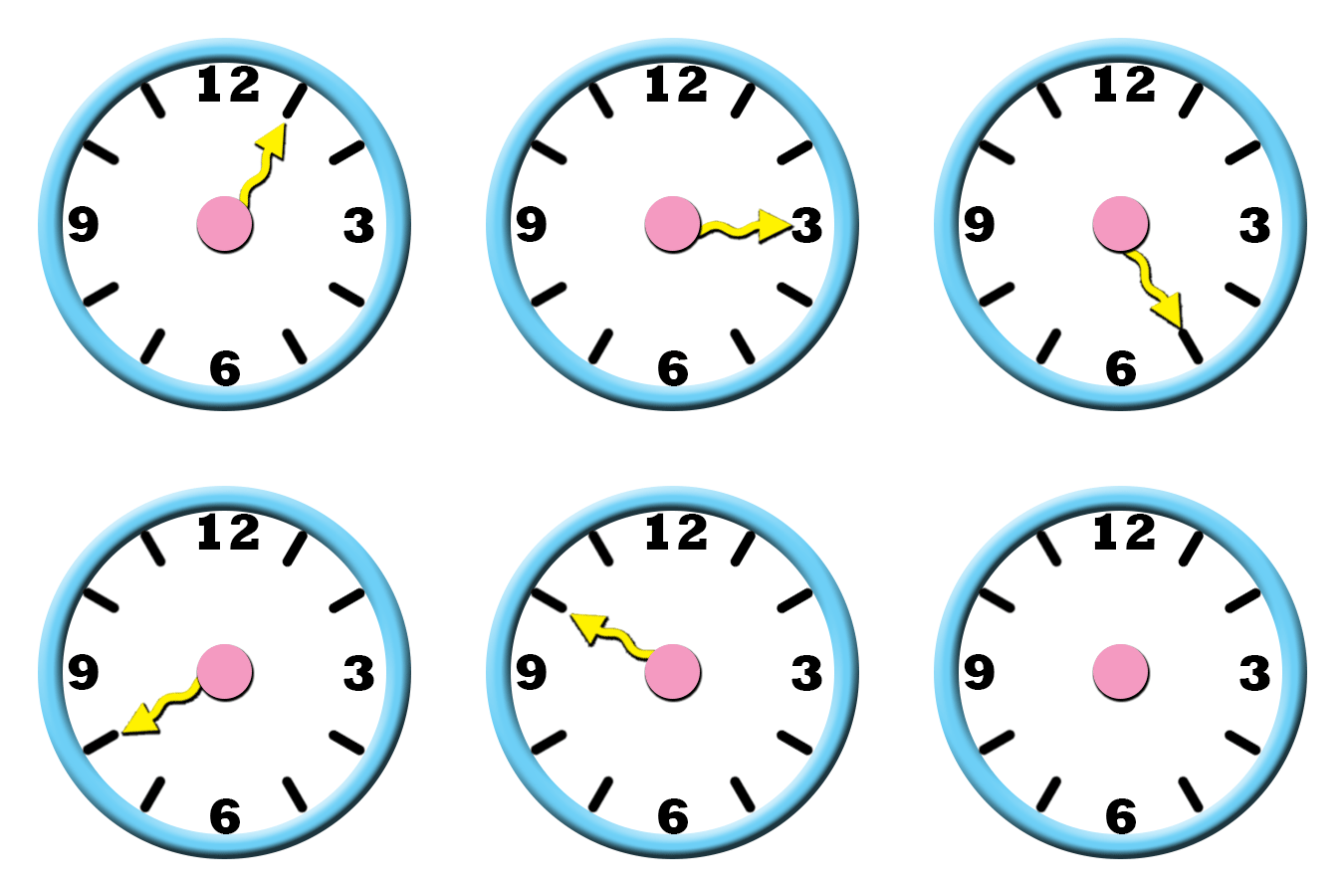
I didn’t have much struggles in this project, but I had a some struggles at the very start. When getting started , I found that there was no “transparent” in “Background Contents”, so I selected “White” instead, and named my project “Harley-Clock”. Later on, when doing the project and following along with the instructions, there was something wrong that happened when doing the project; I was trying to make the whole background transparent, while adding rulers & guides. I wasn’t sure what was wrong, but the person around suggested that I should start a new version of my project, I renamed it ” Harley-Clock-New”, so I won’t have any confusion when I come back another time to continue on my project. I followed the instructions as usual, and this time, I went quite alright. I didn’t have such problems, but when saving my project, I asked the person near for some help saving the project correctly, without having such problems to upload the image of clock like I just did. So here it is, and before uploading it, I make sure that the clock animation was in the Photoshop folder.
 Alice's Blog