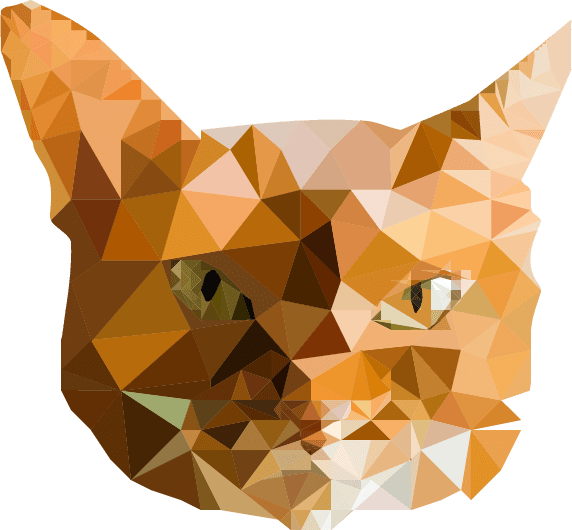
I took me weeks to complete this project. At first, I was unsure because I didn’t know where to place to triangle around the cat’s face, but I did the best I as could. I also did added the some with the mouth and the nose. When done, I selected the entire thing, clicked on “Divide” in the Pathfinder panel, and used the Eyedropper tool when I selected each triangle (by clicking the circles on the right of the Layer panels). Before this method, I used the Paintbrush because I thought it would be easier, but yet will take a lot of time (which I knew). So the I Eyedropper tool is better when doing projects for this and Live Paint Bucket tool is also good when you’re coloring a shape or an object in Illustrator. Happy Practicing.
 Alice's Blog