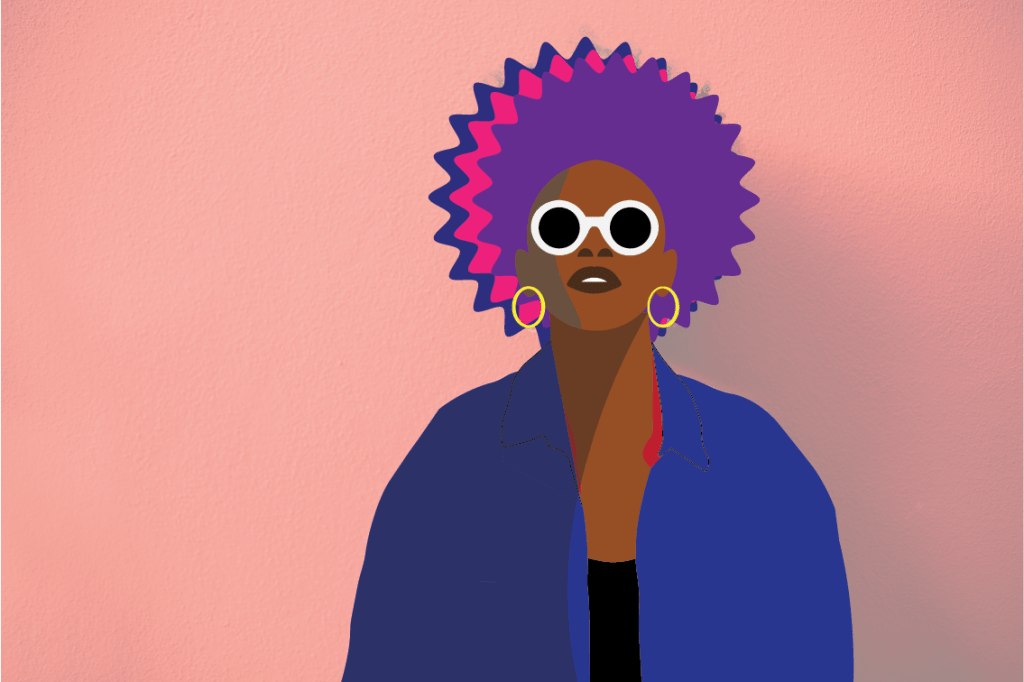
Here’s my Vector Portrait I made. This took a bit of time, but I really had fun working on it. My favorite part was the Shade part. It was interesting to know that in many artworks, including in cartoon characters, have shades on each of their sides to change the color tone depending which direction the characters (or other objects) face. To create one, decide any part of your artwork your want to add a shade in. With the fill color in black, use the Curvature Tool to draw any shape and fill above the object. Go to the Properties panel and lower the Opacity to 50% (or lower if you want). And there, you have your shading. I also enjoyed knowing how the Curvature Tool works, and it’s better than using the regular Pen Tool. On the body and the neck of the Vector Portrait I used the points to enlarge the different shapes so the fill color of it covers the space between them. The body looks a bit weird, but overall, I think it suits the portrait.
 Alice's Blog