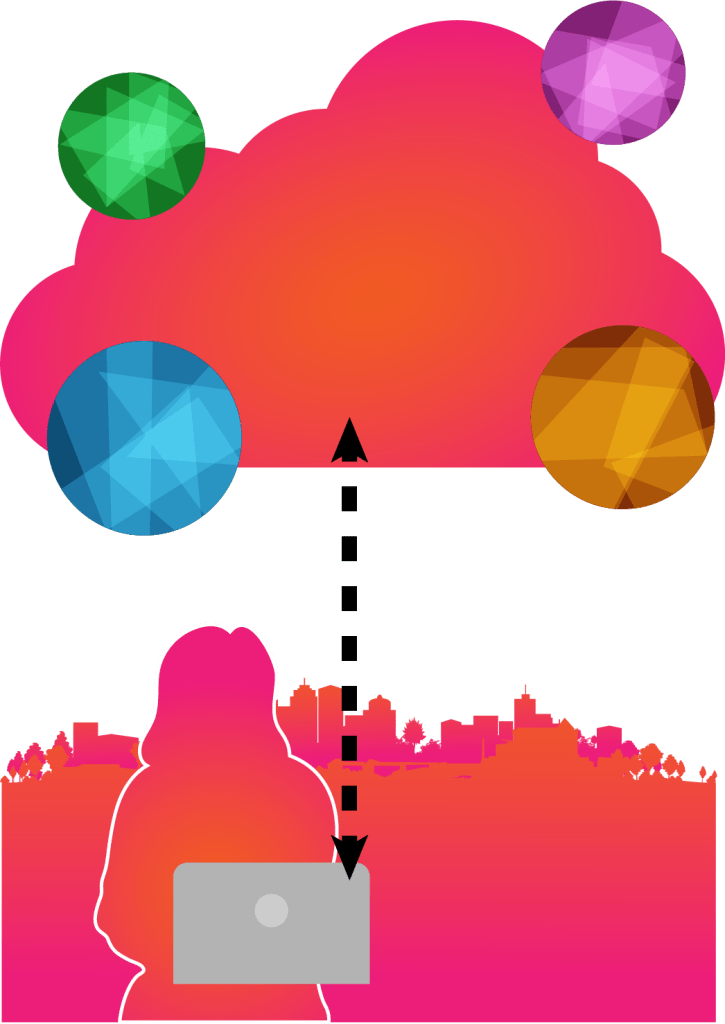
I made some updates on this image based on what I’ve just learned. I like the colors and everything except the arrows – There were a lot of dotted lines so I opened the Stroke panel and adjusted the dashed lines. On “Dash” (the one on the very left), I put 35pt. As you can see, I added the up & down arrows as well, because if you look right below the “Dashed Lines” section, there’s “Arrowheads”, which allows to put any different types of arrows on the artboard. You can adjust both sides differently or in a same style whoever you want. I selected “Arrow 2” for both sides. With everything finished, I finally deselect everything and look at the entire artboard. The dotted sides look way better than they were before. If you love arrows and dotted lines, you can imagine creating an artwork that has many of them with different dashes, shapes, and styles.
 Alice's Blog