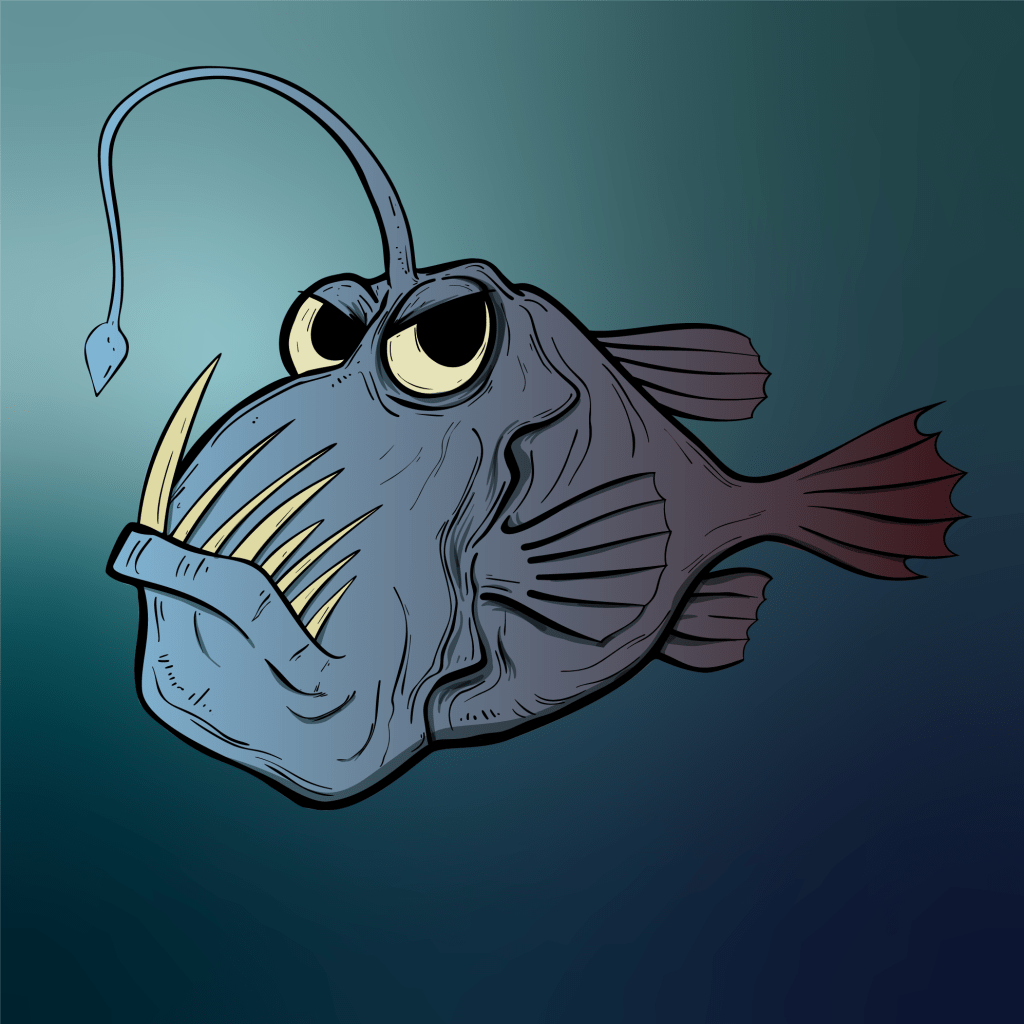
I’ve something interesting in this part. By pressing only just the “E” key, there are a variety of Free Transform tools that can be used. I used the “Perspective Distort” and the “Free Distort” tool. There differences between them – the Perspective Distort changes the selected point of the fish (or any image) into a smaller or bigger size depending on what direction I click (top-left, top-right). When I move the tail into a smaller size, for example, the fish looks like its moving towards something. The Free Distort tool moves the image from the up & down area of the fish. Moving the top part of the fish in a smaller size and the bottom part a little big. It somehow made the fish’s head slightly smaller and his body a little wider. These tools are extremely useful, and I can use them anytime if I had a project similar to this one.
 Alice's Blog