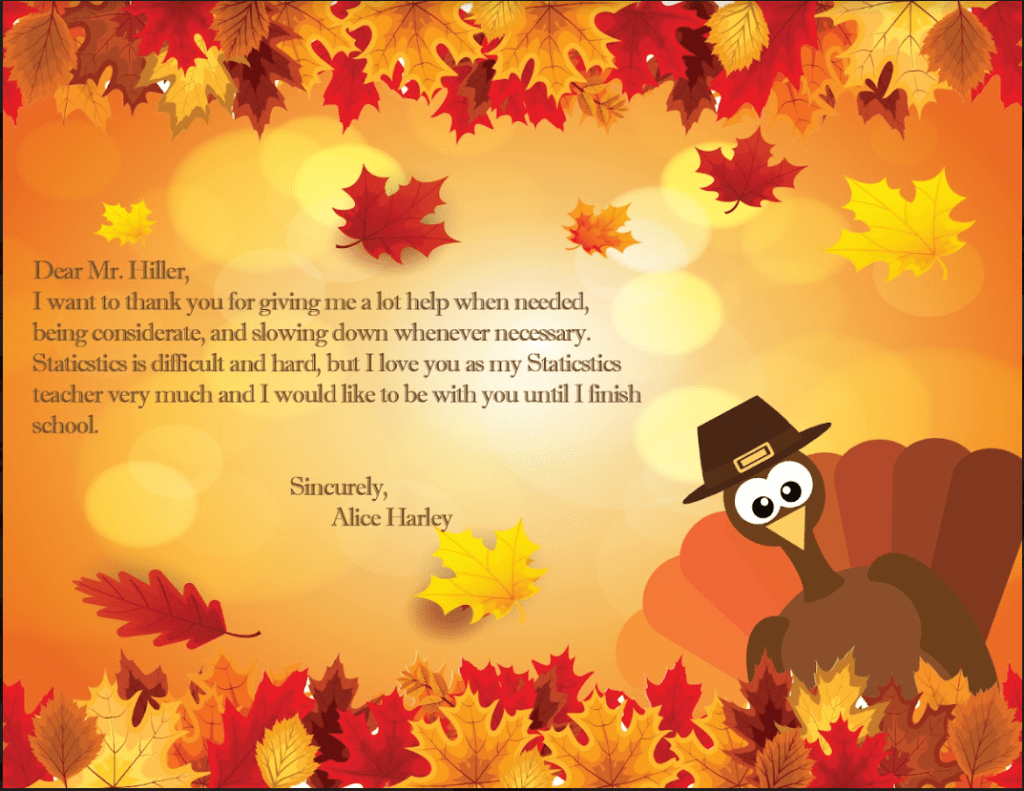
This project is familiar because I’ve done it in my second year of high school, but some images I used in today’s one are little different from the one I did in the previous one. I used Adobe Illustrator for the turkey on the bottom right. I was happy to be back on it for just a bit because Illustrator was my favorite Adobe thing to use. There are few things I remember: How to create shapes and place them, how to use the fill color and the stroke color, using reflect to make the parts of the image look symmetrical (like I did on the Turkey’s eyes), grouping & ungrouping objects. There are also other things/methods I don’t remember or haven’t learned, but what I did learn was to use the align tools (in the layers panel) to center the parts of my artwork or just the entire thing. When I finished my turkey, I went to “File”, exported it, and went photoshop to create the background image. I got completely lost on this section, so I skipped erasing the white parts of the Autumn leaves and placed the background image and adjust it. I used the type tool to type in some words. I adjusted it again and colored it in brown. The photoshop process was a bit sloppy at first, and turned out different than I expected, but overall I think the image is good. It’s looks very colorful and pretty.
 Alice's Blog