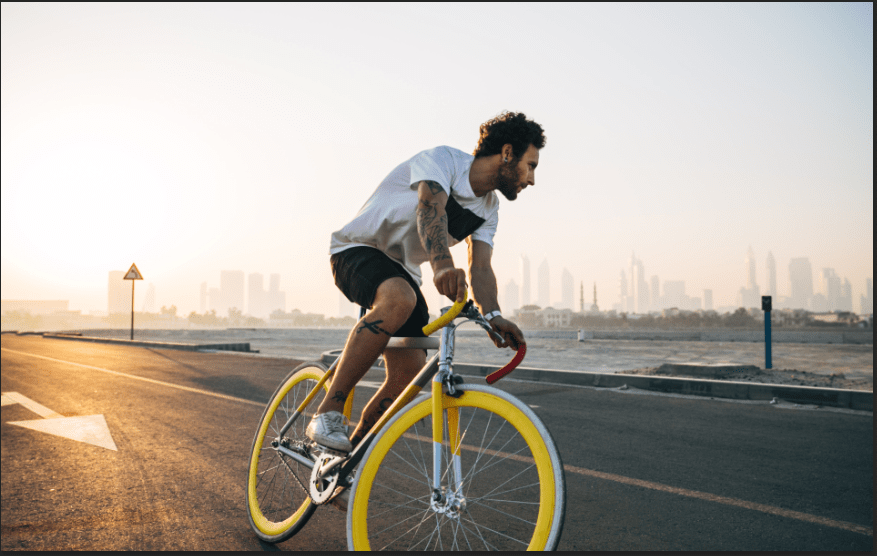
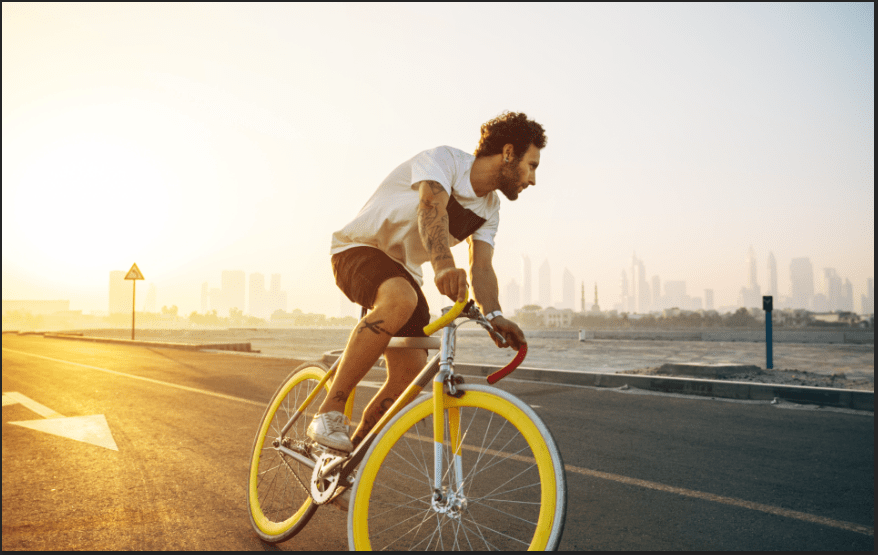
This project was easy and fun to do. I had no difficulties, but a some doubts about the Gradient tool. The color I was searching for wasn’t available, but I chose the best one that I can find, it worked out without trouble. Interesting to know about that the Curves and Levels are quite similar because they both consist of adjusting the dark and brightness of the image, and choosing the available color within it. For example, when I wish to add the image looking a little red from left to the right, I click on the RGB layer and chose “Red”, and I adjust the brightness using the input layer while the layer, “Levels 1” is selected (I can do it on curves as well). I move left to add red, but it’ll add a different color if I go to the other direction. The output layer is the same, except it’s the opposite. Once I pick the brightness of the Red I saw fit, I use the Gradient tool to select the direction I want the brightness to be placed. I did put some green on the image, but I didn’t use the Gradient tool, I used the little Hand tool on the top left corner, where above on all the other tools in the Curves Layer. I can choose whatever area I want the image to be green, I go up to brighten it, and down to darken it.
 Alice's Blog