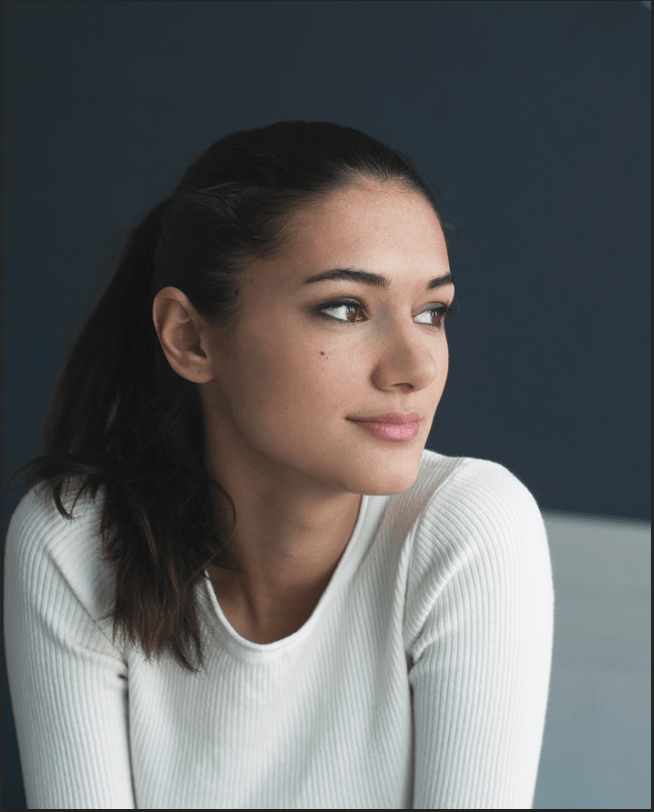
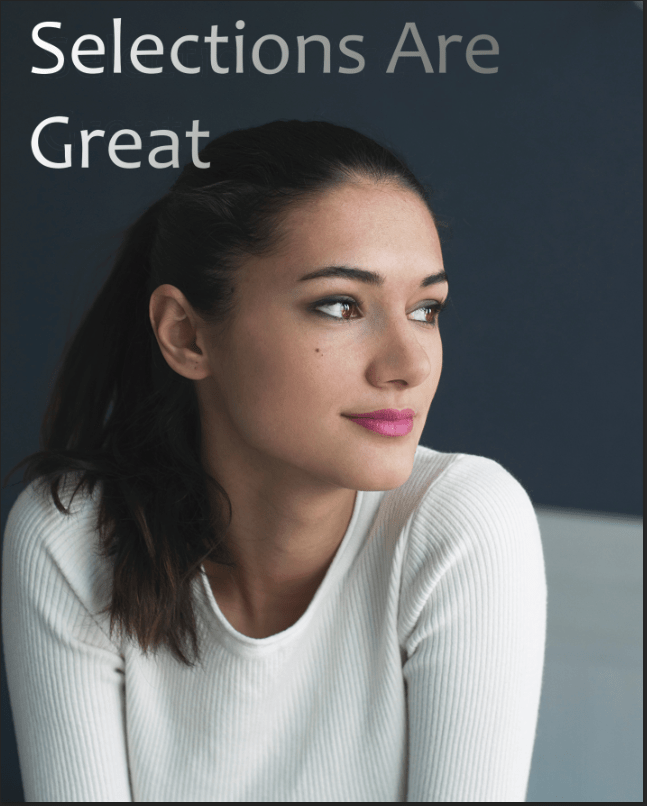
The Selection Project was pretty fun, it brought back memories as if I was working on some of the first projects in Principles of A/V during the part when I was using the Lasso tool. More importantly, I haven’t really learned all the layers of this project, but I’ve learned the Curves Layer uses to bright or darken the text, or any other specific object of the image. I can change it into whatever color I saw fit. Also for the Gradient tool, it blends colors and changes into a text, background or anything from light to dark, or dark to light. It varies from which direction I click – left to right, top to bottom, it doesn’t matter. If I wanted to choose any color, I just go to the Gradient layer on the layers panel and choose it. The difficult part of the project was moving the text “Selections Are Great”, because it was above all of the layers, that I accidentally moved the image around. It did not go the way as I expected. This made a little stressed, so I needed to rewind the video to go back and set things right. I should move the layers to the bottom the next time I wanted to move an object or text without accidentally moving the background images.
 Alice's Blog