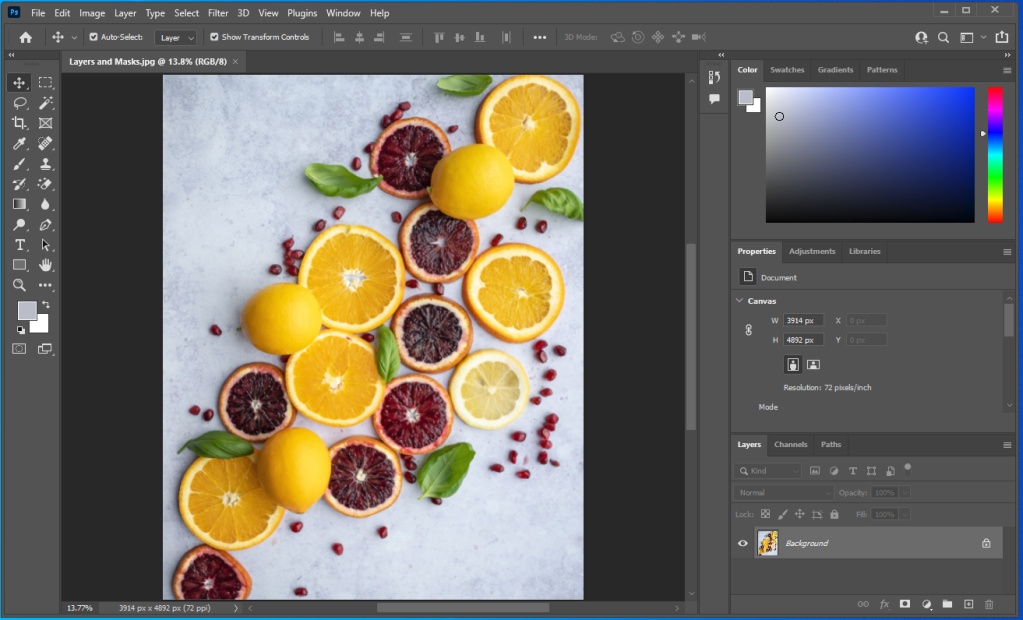
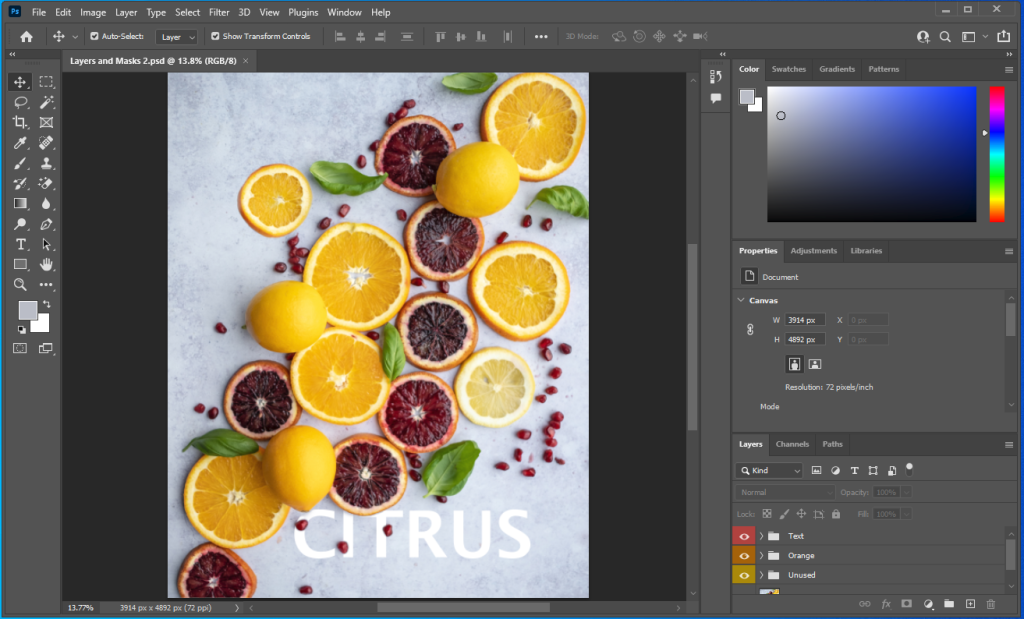
In this project, I’ve learned how non-destructive the masking tool was compared to the eraser tool. Whenever I go to the paint tool and color the object I can always bring it back up without any limits. I make sure to look at the color area at the bottom of the tool selection, if white is above black I can turn the object visible, and if black is above white I can turn the object invisible. Instead of using the switch arrows (right top corner of the color codes), I press X key to switch colors. With this, I can put certain objects over texts, and to make sure the entire part of it is visible. I love to color and use the paint tool. It’s fun and reduces stressfulness. This project was fun and amazing.
 Alice's Blog