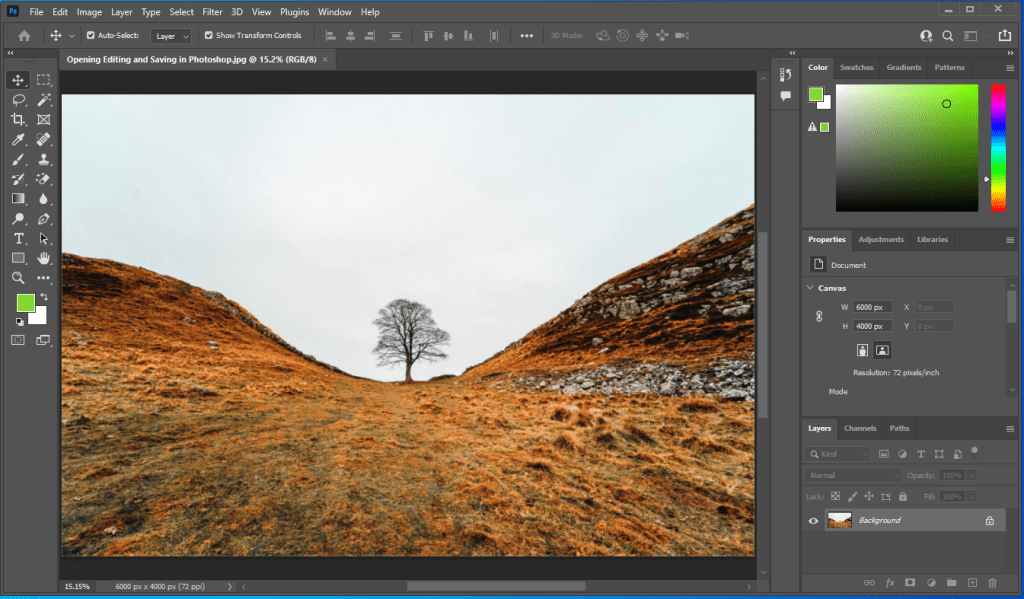
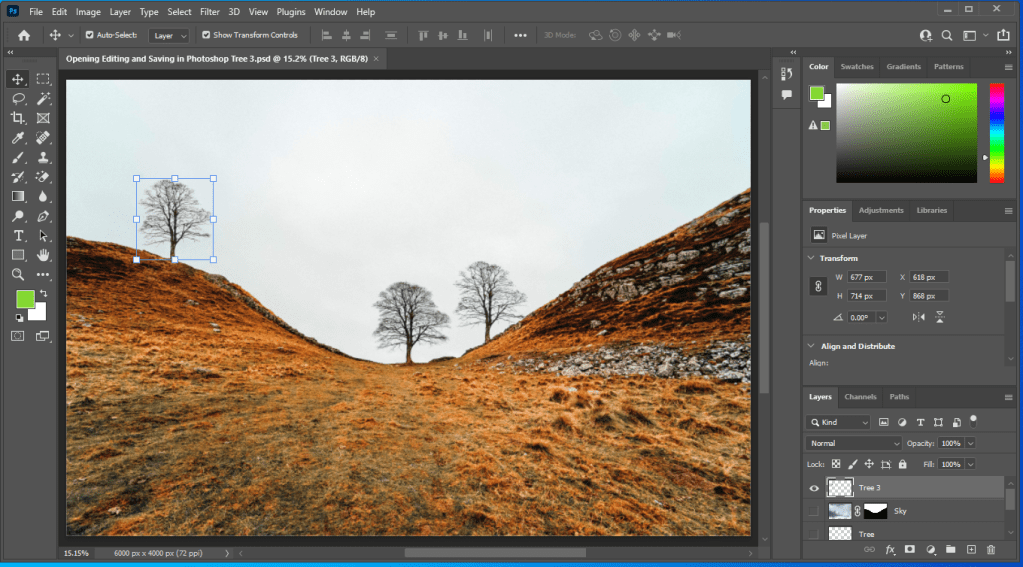
Here’s my two images on Day 2 of the 30-day Photoshop project. I was first stressed because I had doubts if I could pass, but like always, I made sure that I followed every step and if something goes wrong, go back and fix it. The project was pretty fun, some of the things that I’ve learned was when the users press F key, space of the bottom, top right corner, and around the bottom left side of screen, will clear up. It can be done the second time and as a result everything around the corner is clear except the image. Users can also move the tab of the image outside of the main screen and resize it. You can put under and over the other images if they wish. Just put it back around the top of the tool selection if you prefer working on the screen normally. Despite feeling stressed, I liked the project and I can start getting used to working on Photoshop after a while of not using it.
 Alice's Blog